Home
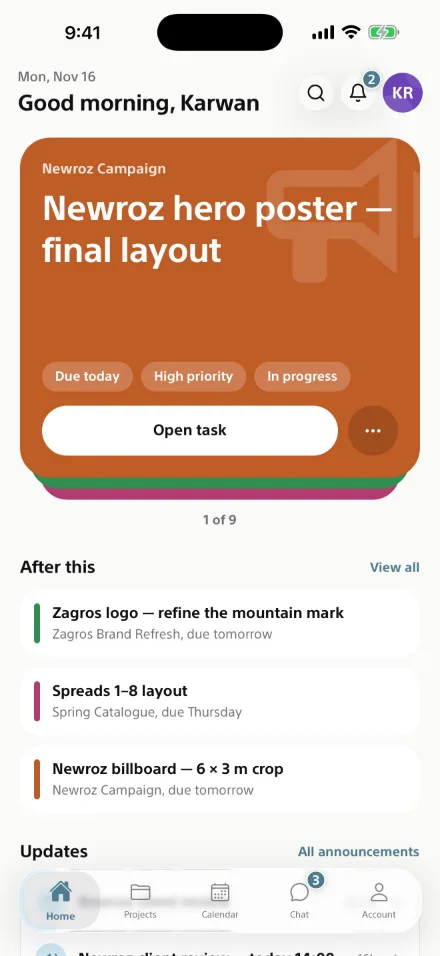
Open it. Know what's next.
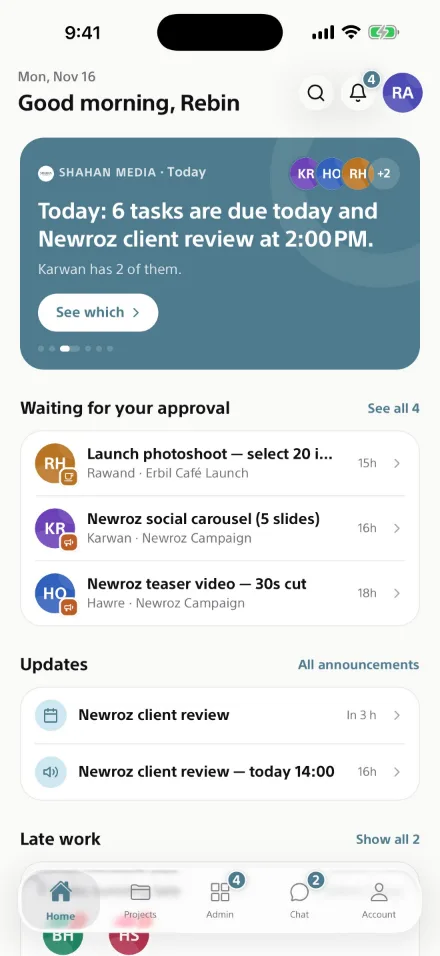
Your most important task first, what comes after it, and every update from your team — before you've had your coffee.


For iPhone and Android
Tasks, projects, reviews, calendar and chat — built for the way your team actually works, and fast enough to keep up with it.
Less chasing. Clear priorities. Every task with an owner, a date and a place to talk about it.
Home
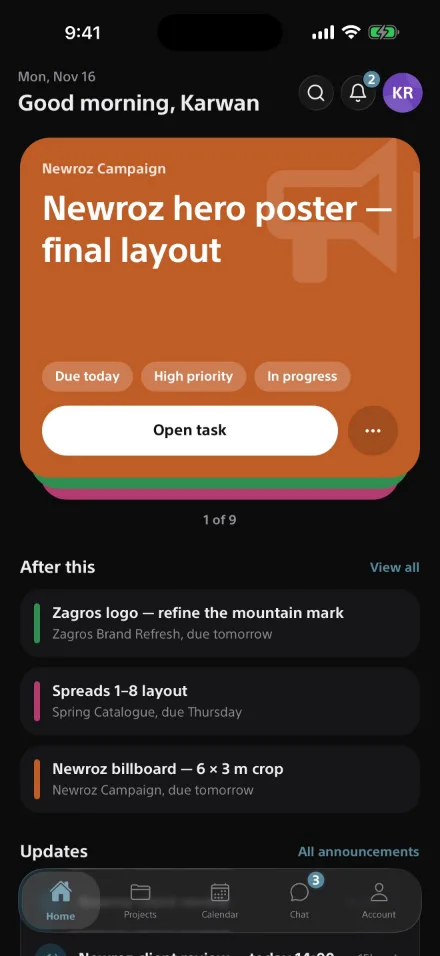
Your most important task first, what comes after it, and every update from your team — before you've had your coffee.
Tasks
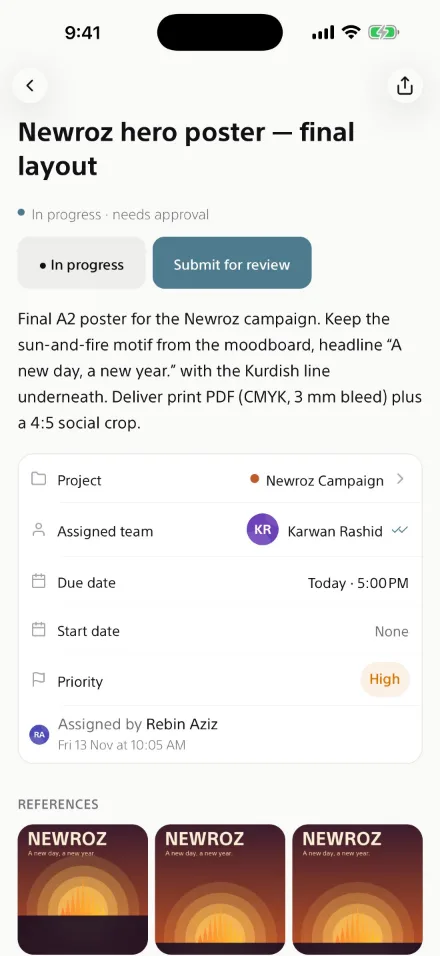
The brief, the project, the date, the priority and the references live together. When it's done, send it for review in one tap.
Projects
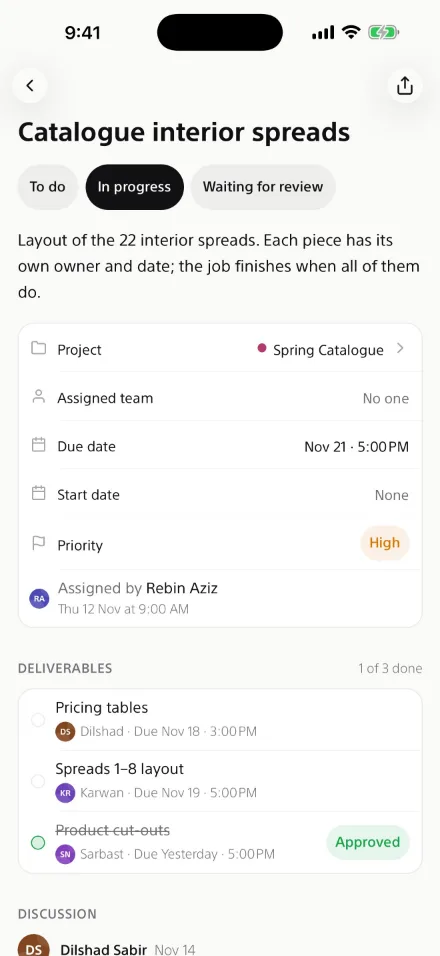
Split a job into deliverables, each with its own owner and date. It finishes when every piece is approved.
For managers
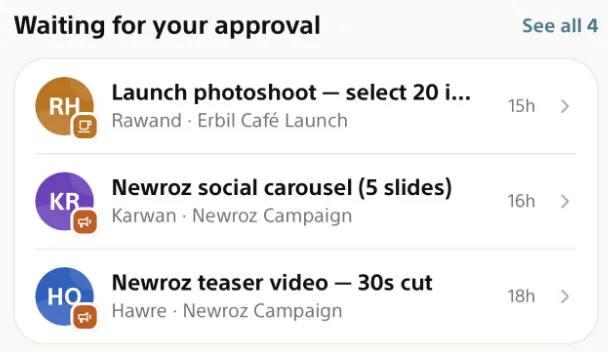
See the day across your team and everything waiting for your approval, in the order it matters.
Team chat · Voice messages
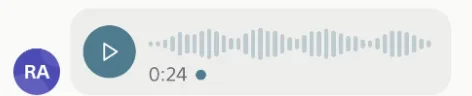
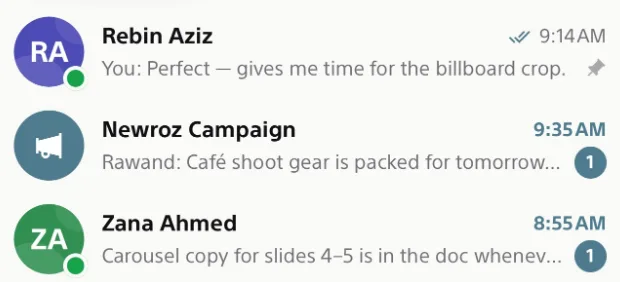
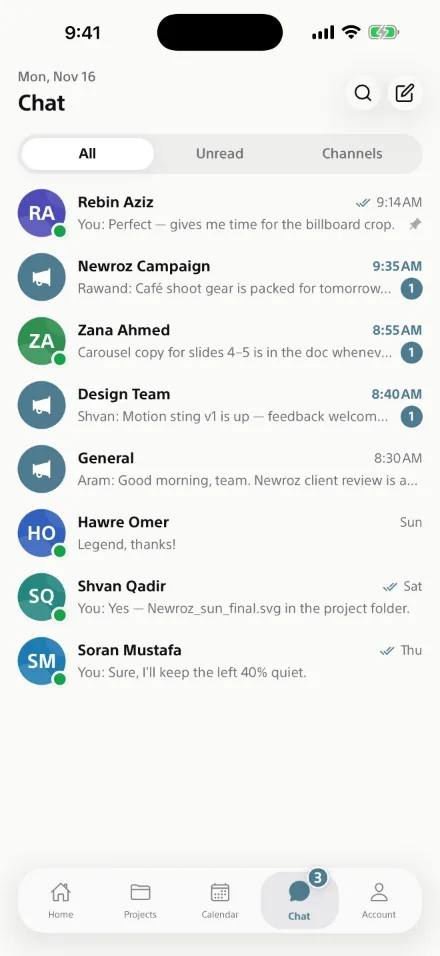
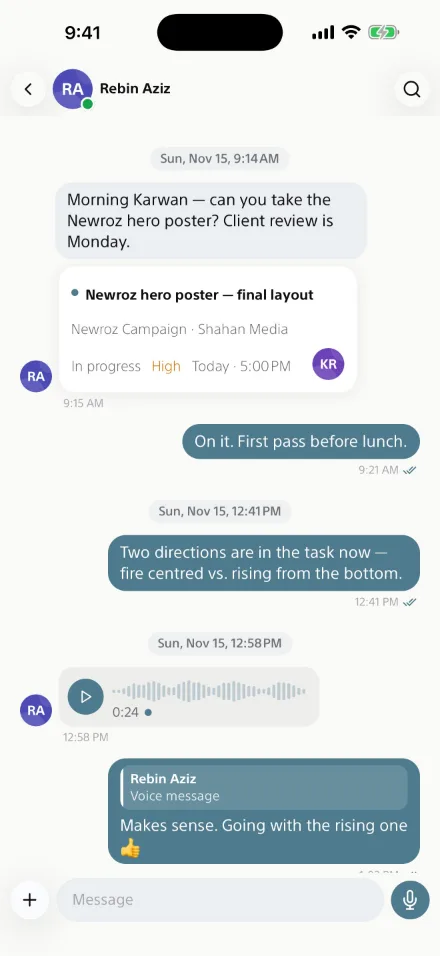
Direct messages, project channels and team channels in one inbox. Drop a task straight into the conversation, or hold the mic and just say it.
Calendar
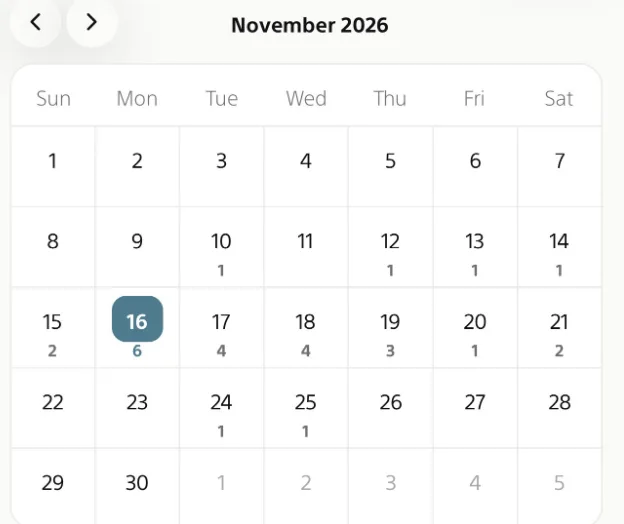
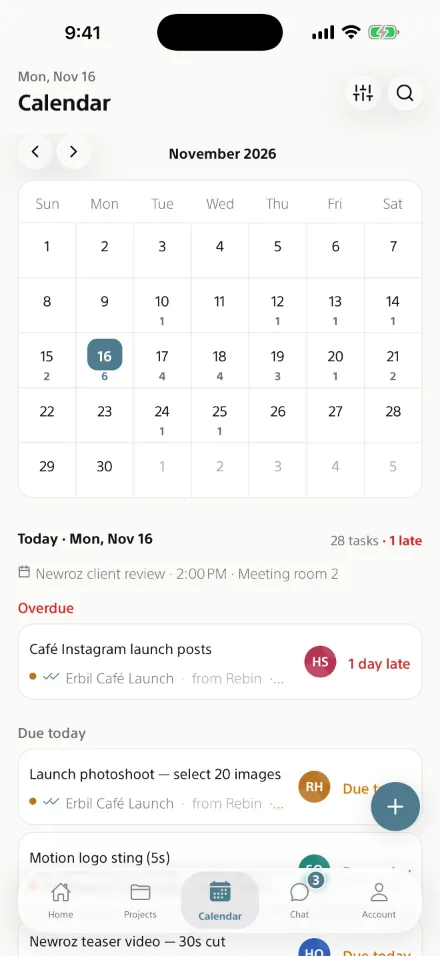
Every day shows how much is due. Tap one and the list below tells you what to work on next — and what is already late.
Light & dark
The app follows your phone — or you choose. Drag across the screen to see both.
Submit work in one tap. Managers approve or ask for changes — and everyone sees where it stands.
Today, Up next and Waiting for you — on your iPhone and Android home screen, in light or dark.
New work for you, work waiting for your review, and new messages — right on your lock screen.
Direct messages, project channels and team channels — with tasks you can open right from the chat.
The same workspace at shahanworkspace.com, for the days you're at a desk.
Every file is private to your workspace. Report a message or block a person in two taps.

Free on iPhone and Android. Sign in with the account your workplace gives you.
On a computer?
Scan to open this page on your phone.